Notifications
Caffold can send a system notification when a turn ends or when a Task needs your answer, so you can leave a long turn running and come back when it matters.
Turn on notifications
Each browser or installed app turns them on separately:
- Open Settings → Notifications in that browser.
- Choose Enable and allow notifications when the browser asks.
On an iPhone or iPad, install Caffold as an app first; the page says so until you do.
When a notification arrives
You get a notification when a Task's turn completes, fails, or is interrupted, and when a Task is waiting for your answer to an approval request.
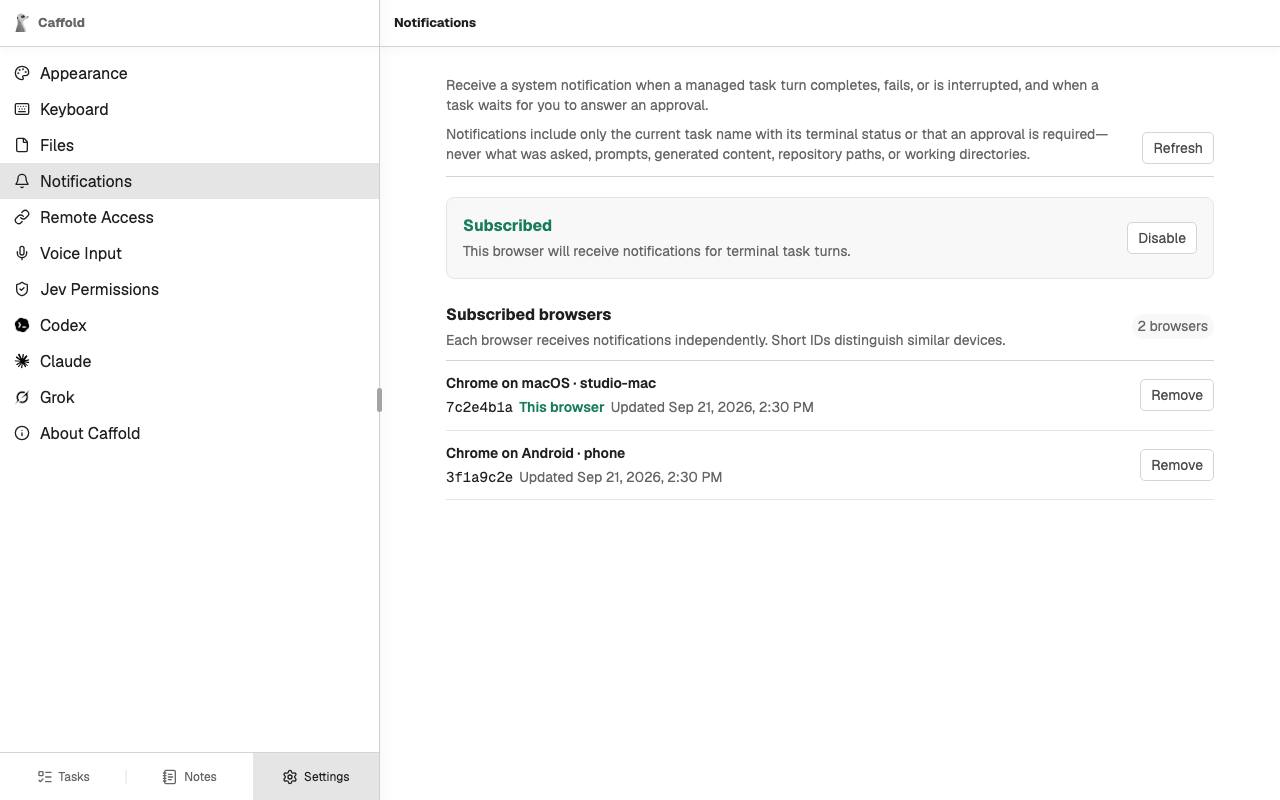
A notification shows only the Task's name with its status, or that an approval is required. It never contains what the agent asked to do, your prompts, what the agent wrote, or repository paths. Open the Task to read and answer.
Subscribed browsers
Settings → Notifications lists every browser that receives notifications, with a short ID to tell similar devices apart. Remove stops notifications to that browser.
Delivery
Notifications are sent only while the Caffold server is running, and one that could not be delivered is not tried again later. Delivery passes through the browser vendor's push service, which cannot read the encrypted message.