Your first Task
This walk-through takes one small change from request to review. It assumes Caffold is installed and at least one agent is set up.
1. Ask for the work
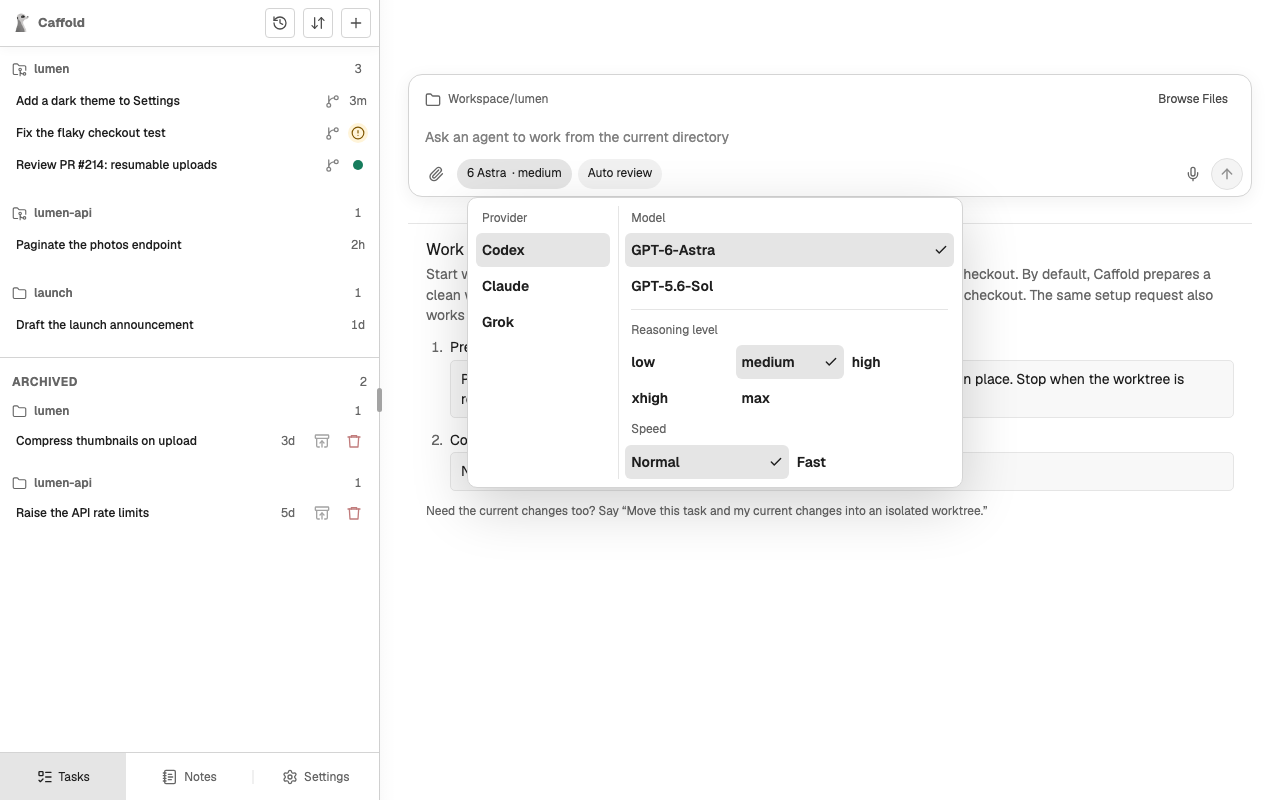
- Choose Open Caffold from the menu-bar app.
- Choose New Task (+) at the top of the Task list.
- Choose Browse Files, select the repository you want to work in, and choose Use This Folder.
- Open the model menu and choose a model. The agent that offers it will run the Task.
- Describe the change, for example:
Add a dark theme to the Settings page. Follow the system setting by default, let people override it, and add tests.
- Send it.
The Task opens and the agent starts working. After a while it gives the Task a short name.
2. Follow along
The conversation fills in as the agent works: its messages, the commands it runs, and the files it changes. If it needs permission for something, a request appears in the conversation; read it and choose an answer. See Approvals.
You can leave at any point. If the turn finishes while you are away, the Task list shows a dot next to the Task.
3. Review the result
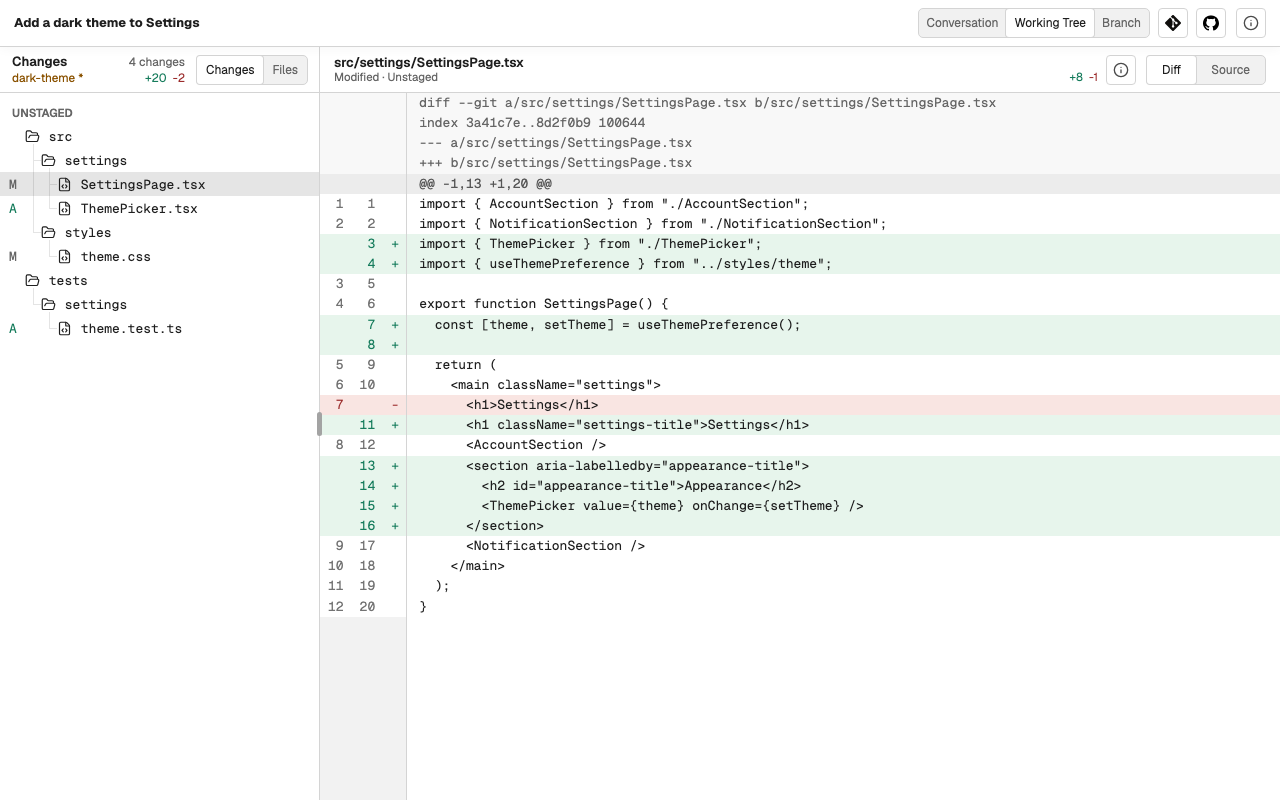
When the turn ends, read the agent's answer, then choose Working Tree to see the changed files and their diffs.
4. Continue
Go back to Conversation and write what should happen next: a correction, a follow-up, or a request to commit. Each message continues the same conversation with the same agent.
From here: